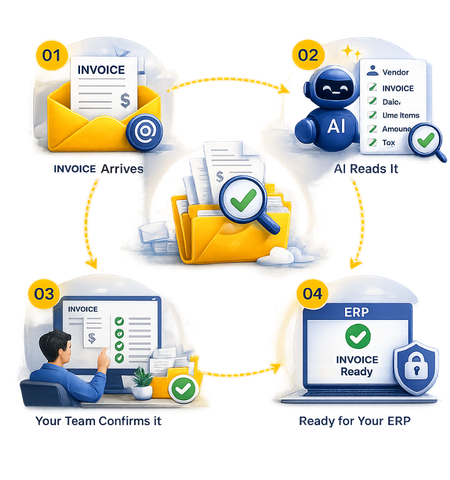
Vendor invoices arrive as PDFs, scanned documents, or even hard copies — and someone still has to read them and type the details into your ERP. Our Invoice Capturing solution uses AI to read every invoice automatically, lets your team confirm what it found in seconds, and makes the approved data available for your ERP to pick up, whichever ERP you run.
Reading a vendor invoice and re-typing it into your ERP — vendor name, invoice number, line items, amounts, tax — it's the kind of task that eats a finance team's day without ever feeling like progress. It's not complicated work, just repetitive, and it doesn't get easier as your invoice volume grows.
Our Invoice Capturing solution takes that step off your team's plate. However an invoice arrives — emailed in by a vendor, or uploaded directly — AI reads it and pulls out the details automatically. Your team's job changes from typing to checking: a quick side-by-side look at the original document and what the AI found, a confirmation, and it's done. Once approved, the invoice is ready and waiting for your ERP to bring in, on its own schedule, through a secure connection built to work with the system you actually run — not just one.
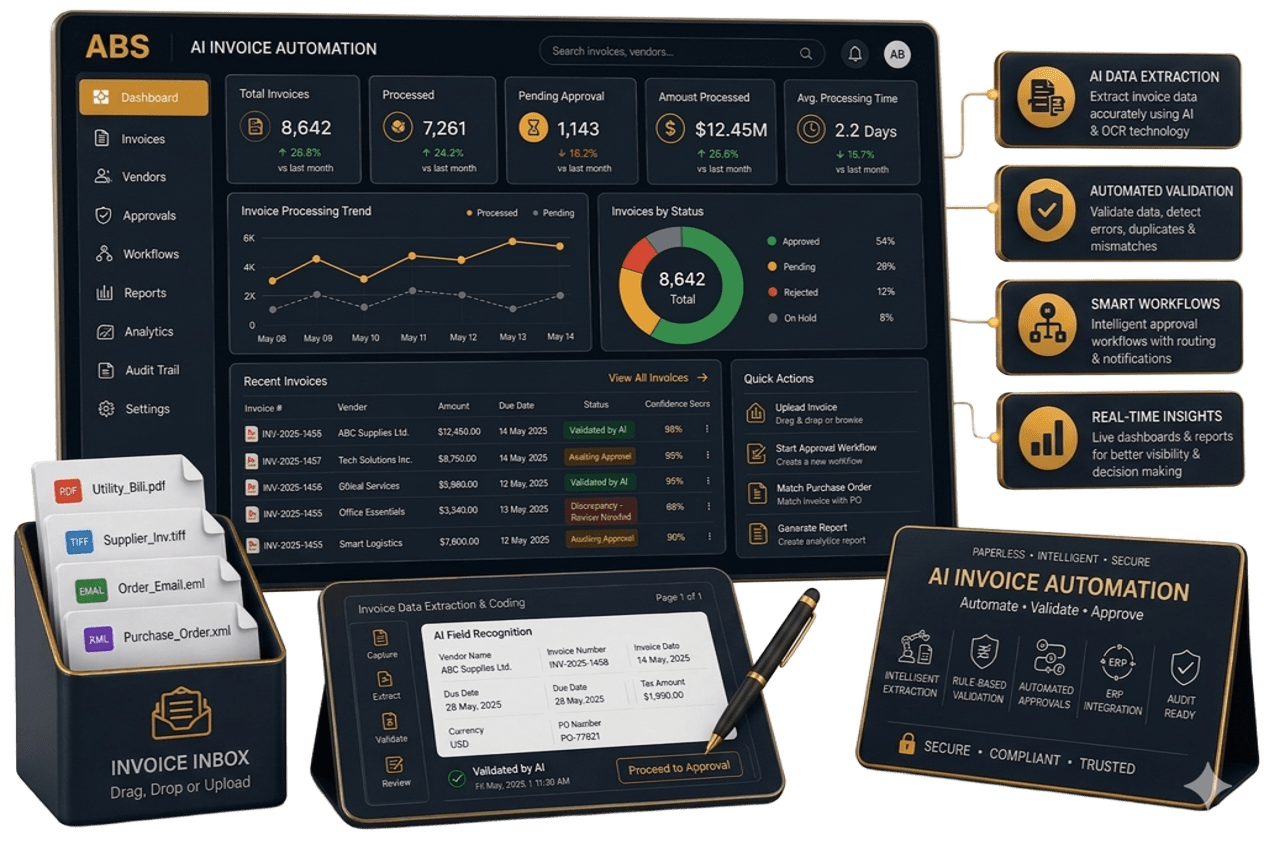
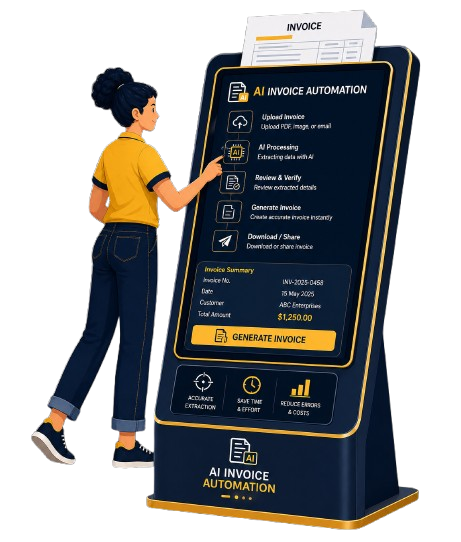
No more retyping vendor names, line items, or totals by hand — AI extracts the details the moment an invoice arrives.
See the original invoice and the extracted data side by side, so confirming accuracy takes a glance, not a re-entry.
Whether a vendor emails it or someone uploads it directly, every invoice flows into the same simple process.
Approved invoice data is available through a secure connection your ERP can use — Dynamics 365 or otherwise — so you're never locked into one platform's way of doing things.
Handles PDFs and scanned images, including the imperfect scans and varied formats vendors actually send.
Always know which invoices are new, which are processed, and which need attention — nothing gets lost in the shuffle.
A vendor sends an invoice by email, or someone uploads it directly — either way, it's captured securely and automatically.
Within moments, AI extracts the key details — vendor, invoice number, date, line items, amounts, tax, and more — so nobody has to type them in by hand.
The extracted details are shown right next to the original invoice, so reviewing means a quick glance and a click, not a re-entry.
Once approved, the invoice is ready. Your ERP connects securely and picks up the data whenever it's ready for it — no manual export, no waiting on someone to push it through.
If your team is still opening PDFs and typing numbers into your ERP, this is built for exactly that gap — without requiring you to be on any one specific platform.
We combine deep ERP expertise with practical AI to deliver invoice automation that fits seamlessly into your existing business processes.
We've spent years inside Dynamics 365 and other ERP environments, so we know what “ready for posting” actually needs to mean.
This isn't a new system to learn — it's a step that feeds the ERP you already use.
We use AI where it genuinely saves time — extracting and reading documents — and keep a human in the loop wherever judgment still matters
Everything you need to know about AI-Powered Invoice Capture
The clearest way to understand this is to watch it work — an invoice arriving, read by AI, confirmed in seconds, and ready for your ERP to pick up.